
Install Electros LaunchPad
Electros LaunchPad is the Elemento local control plane for VMs, AI models, and marketplace services. The GUI is Electros LaunchPad; the CLI binary is elp and the daemon is elpd.
Prerequisites
macOS
- Recent macOS (Sonoma or later recommended)
- Apple silicon or Intel; QEMU / Hypervisor.framework for VMs
- Enough free disk for OS images and model artifacts (tens of GB if you download several models)
Linux
- KVM available for VMs
- Build or install from your Elemento package channel / source (see the repository README)
Windows
- Windows 10/11 Pro or Enterprise with Hyper-V, or VirtualBox as an alternate driver
- Installer from GitHub Releases when published
Install
From releases
- Download the installer for your OS from GitHub Releases.
- Complete the installer; allow administrator prompts for the daemon / privileged helper.
- Launch Electros LaunchPad from Applications (macOS) or the Start menu (Windows).
From source (developers)
Follow README.md and LOCAL_DEV.md in the repository. Local data commonly lives under the app support directory (for example ~/Library/Application Support/elp-dev/ on macOS).
Verify
GUI
- Open Electros LaunchPad.
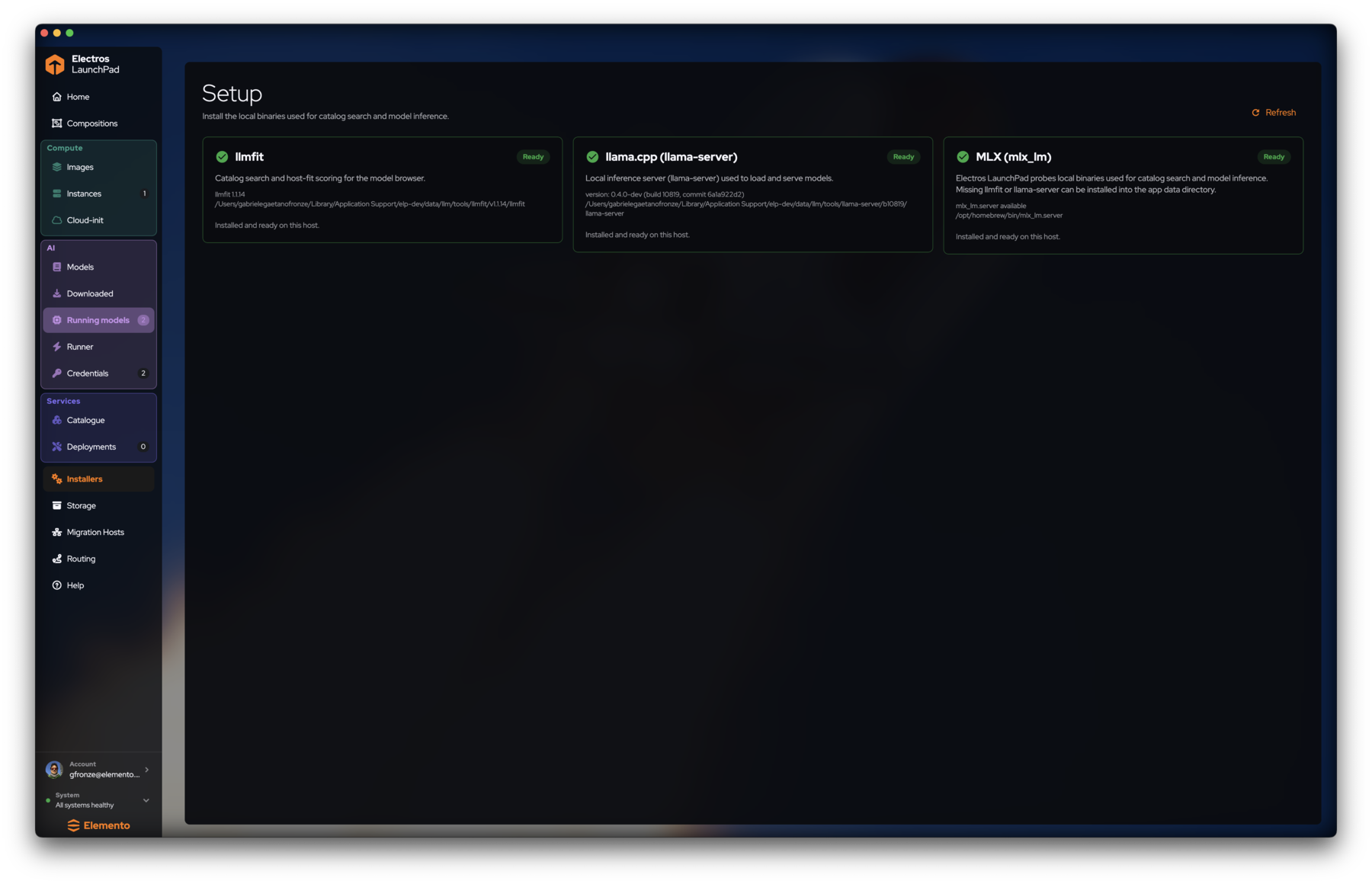
- Sidebar footer should show All systems healthy.
- Open Installers — llmfit, llama.cpp, and MLX should read Ready when AI features are enabled.
CLI
bash
elp version
elp find
Coexistence with Multipass
LaunchPad is designed to run alongside stock Multipass (multipass / multipassd) with separate names and paths. In Settings → General, Show Multipass instances controls whether Multipass VMs appear in the LaunchPad UI.
Next
- Tutorial — first VM and first model
- Getting started — shell tour