
Electros LaunchPad
Electros LaunchPad is a local control plane for virtual machines, AI models, and marketplace services. The GUI is the screen you use day to day; the CLI is elp (daemon elpd).
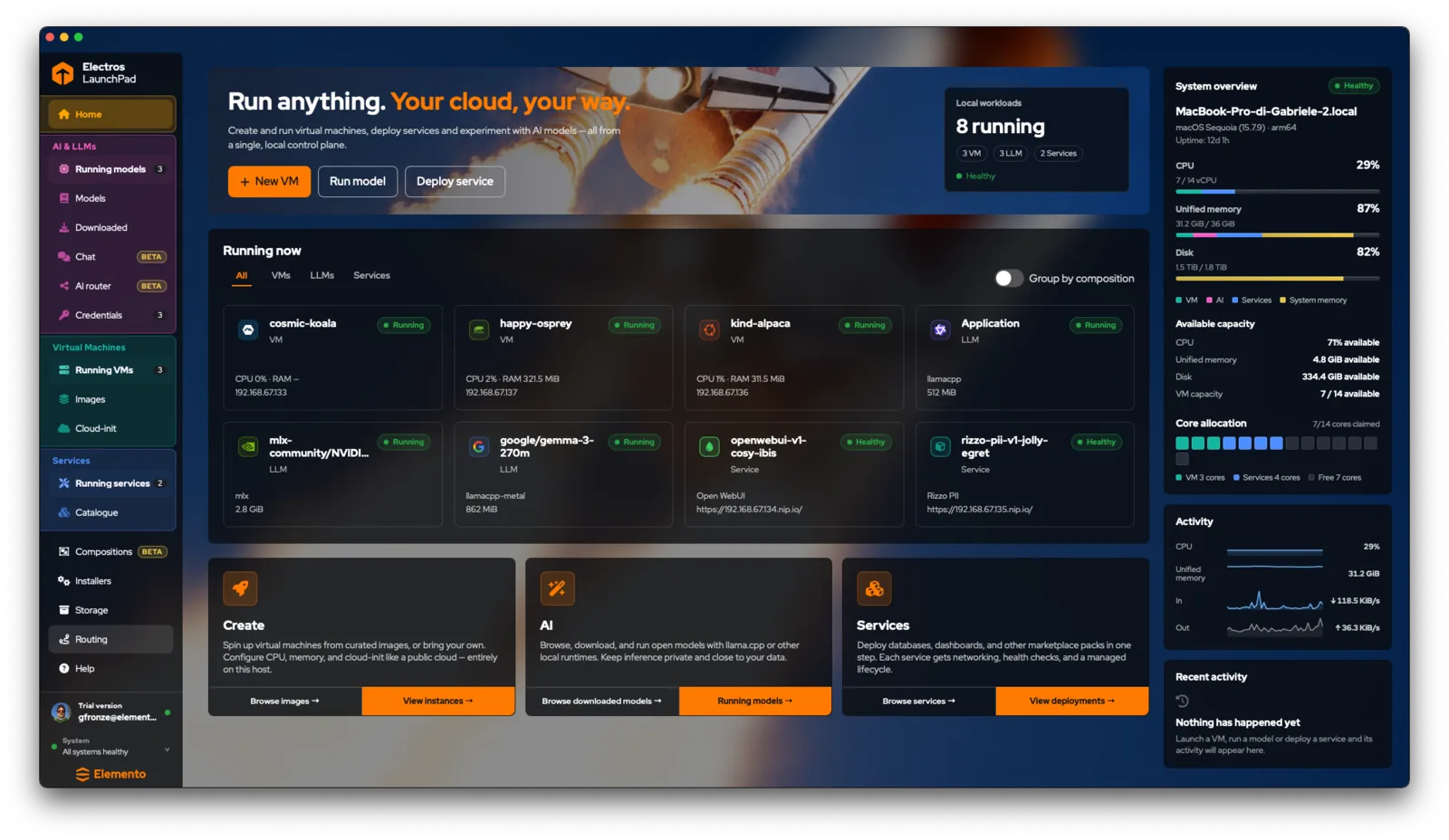
Start here
- Getting started — learn the shell, sidebar, and Home dashboard
- Tutorial — a first-hour path: VM → shell → model → Chat → credentials
- Install — get the app and CLI on your machine
Highlights
- Virtual machines — launch Linux images, cloud-init, shell, mounts, and port forwards
- AI models — host-fit catalog, local llama.cpp / MLX loads, cloud providers, Chat (BETA), AI router (BETA)
- Compositions (BETA) — visual graphs of services, VMs, and LLMs deployed together
- Services — marketplace packs (Open WebUI, DNS, CI, agents, …) as managed deployments
- Credentials — OpenAI-compatible gateway, LAN HTTPS, scoped
sk-elp-API keys
User guide
Getting startedHome, sidebar, system overview, and first actionsCompositionsGroup VMs, LLMs, and services, then deploy togetherComputeImages, instances, cloud-init, and the built-in shellAI modelsCatalog, load, Chat, and AI routerCredentialsOpenAI-compatible gateway, LAN HTTPS, API keysServicesCatalogue packs and managed deploymentsSystem toolsInstallers, storage, routing, helpSettingsAccount & license, beta features, appearance
Also in this documentation
- How-to guides — focused recipes (install, create an instance from the CLI)
- Explanation — concepts behind instances and the control plane
- Reference — CLI command overview