
Credentials & runner
These two pages control how models run (accelerators / backend) and who can call them (tokens and OpenAI-compatible URLs).
Runner
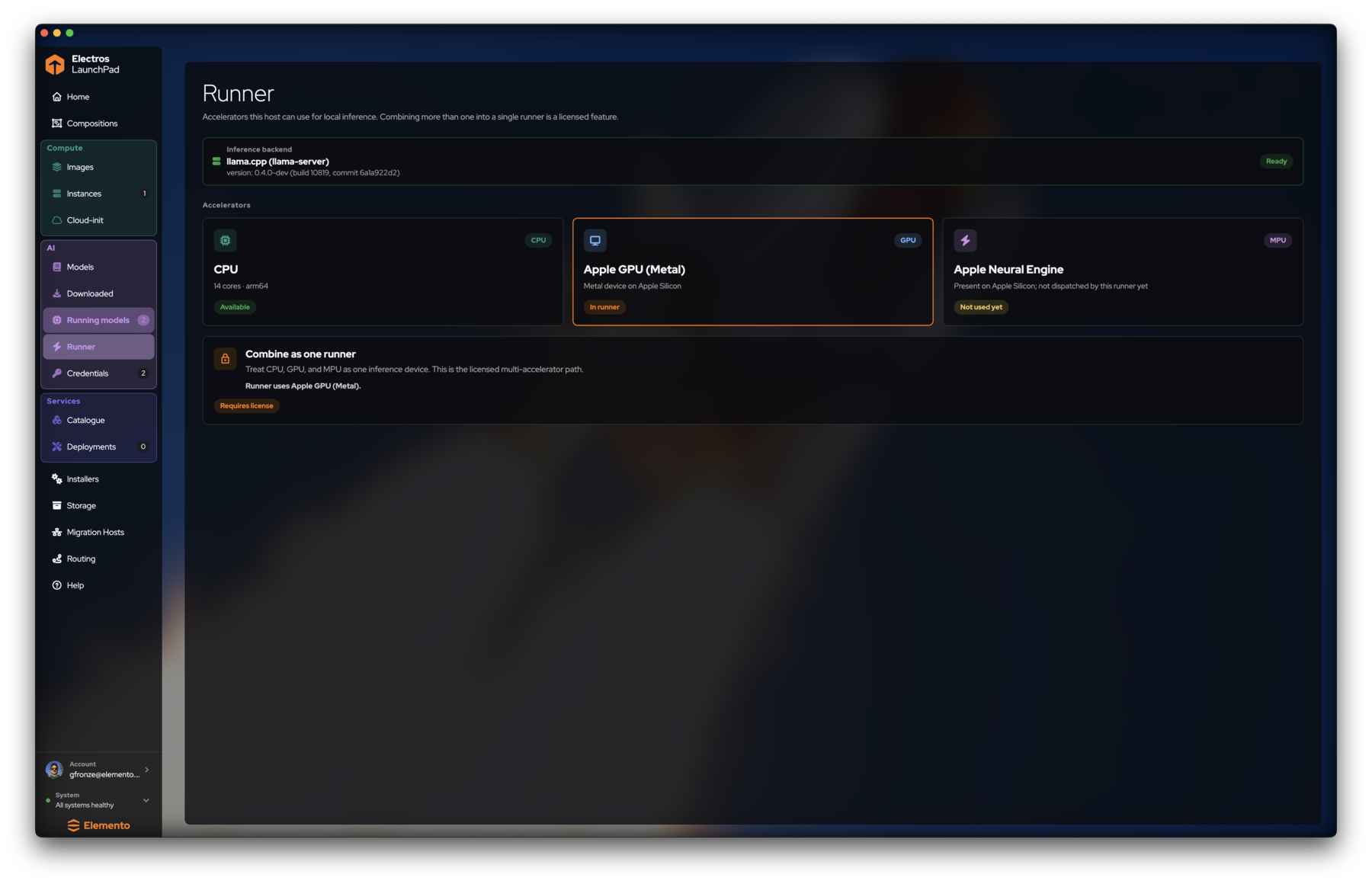
AI → Runner shows:
- Inference backend — typically
llama.cpp (llama-server)with version and a Ready pill. - Accelerators detected on this host — CPU, Apple GPU (Metal), Apple Neural Engine, and others depending on hardware.
- License-gated Combine as one runner for multi-accelerator dispatch.
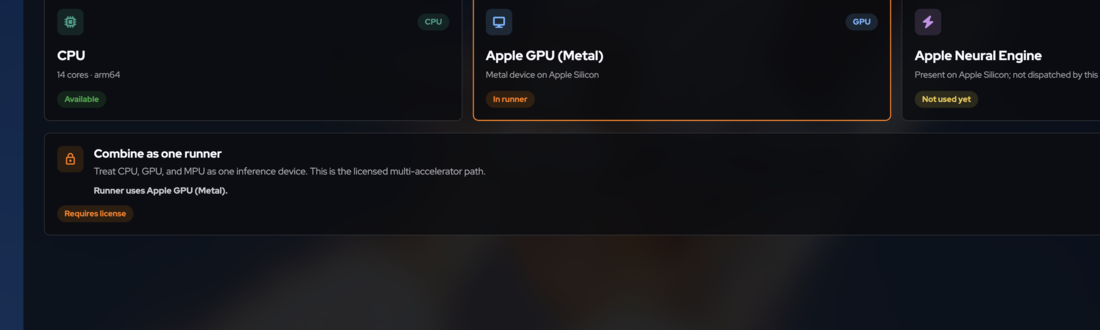
TIP
Combining CPU + GPU + NPU into one runner is a licensed feature. Without a license, LaunchPad keeps a single accelerator in the runner (shown on the lock card).
Credentials
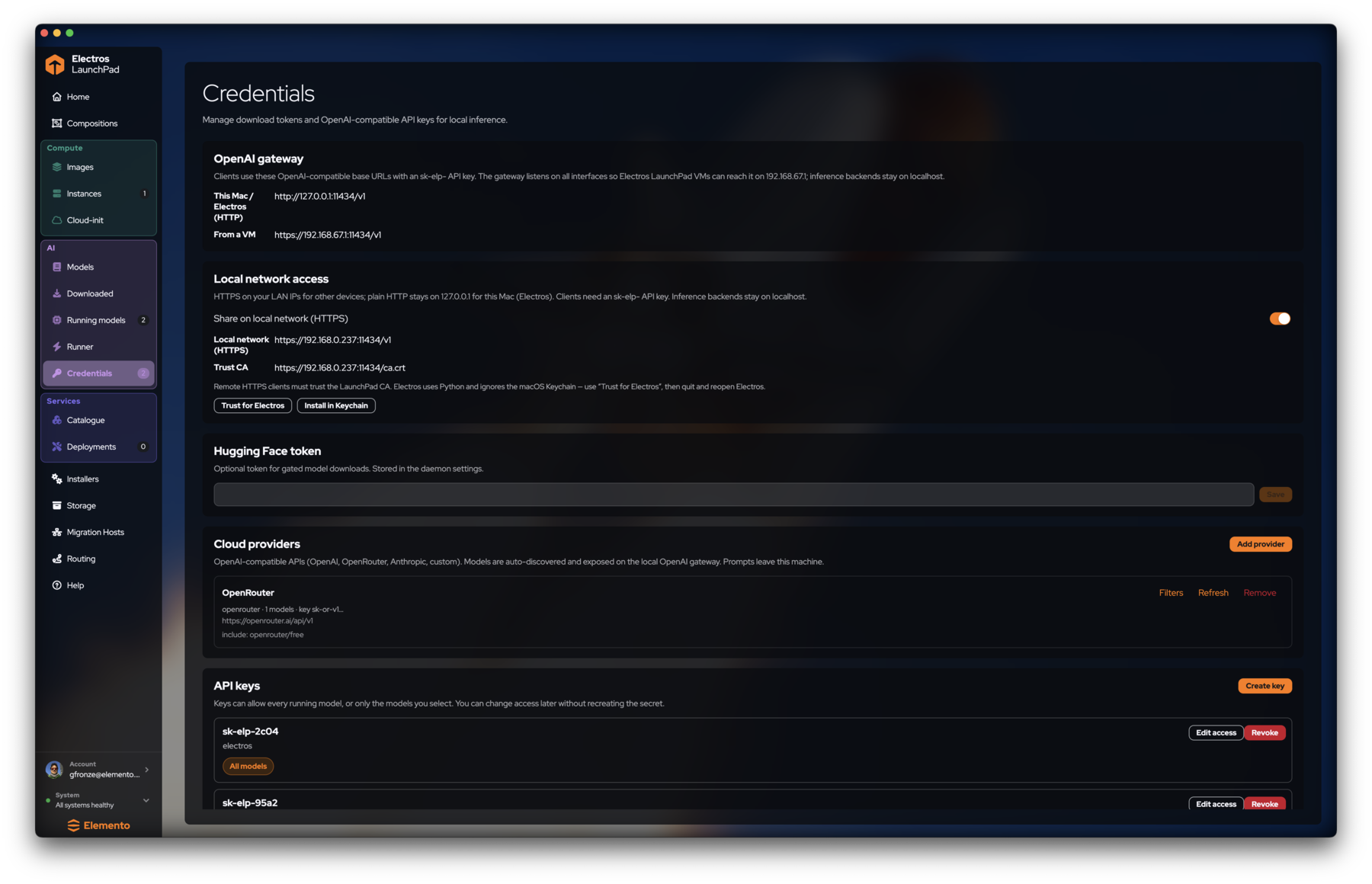
AI → Credentials has five blocks.
OpenAI gateway
Clients talk to LaunchPad with an OpenAI-compatible base URL and an sk-elp- API key. Inference backends stay on localhost; the gateway listens so VMs and LAN clients can reach it.
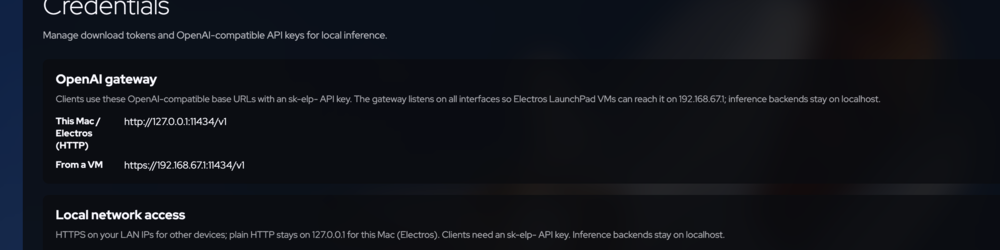
http://127.0.0.1:11434/v1. From a VM: https://192.168.67.1:11434/v1 (hypervisor bridge IP may vary).Example with curl after you create a key:
curl http://127.0.0.1:11434/v1/models \
  -H "Authorization: Bearer sk-elp-YOUR_KEY"
Local network access
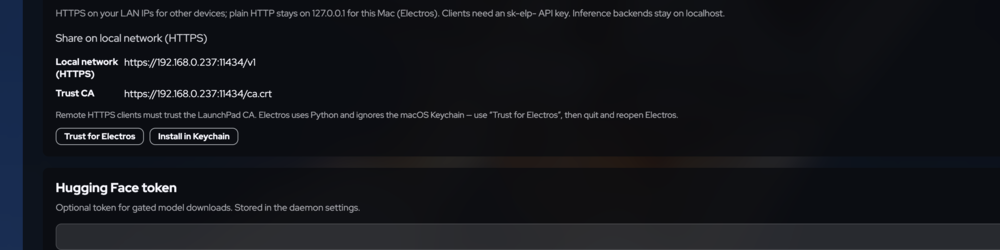
Hugging Face token
Optional token for gated model downloads. Paste and Save.
Cloud providers
Add provider connects OpenAI-compatible clouds (OpenRouter, OpenAI, Anthropic, …). Each entry shows masked key, base URL, and optional include filters (for example openrouter/free). Use Filters, Refresh, or Remove per row.
API keys

sk-elp- secret. Edit access scopes it to all models or a subset. Revoke immediately invalidates the key — copy secrets when created; you will not see the full string again.Checklist: expose a model to a VM
- Load a model under Running models.
- Credentials → Create key (all models or that model only).
- From the VM, call the From a VM HTTPS base URL with the key.
- If TLS fails, install / trust the CA from the LAN section, then retry.