
System tools
Installers, Storage, Migration Hosts, and Routing keep the host healthy and connected. Check these when downloads fail, disk fills up, or you need to move a workload.
Installers (Setup)
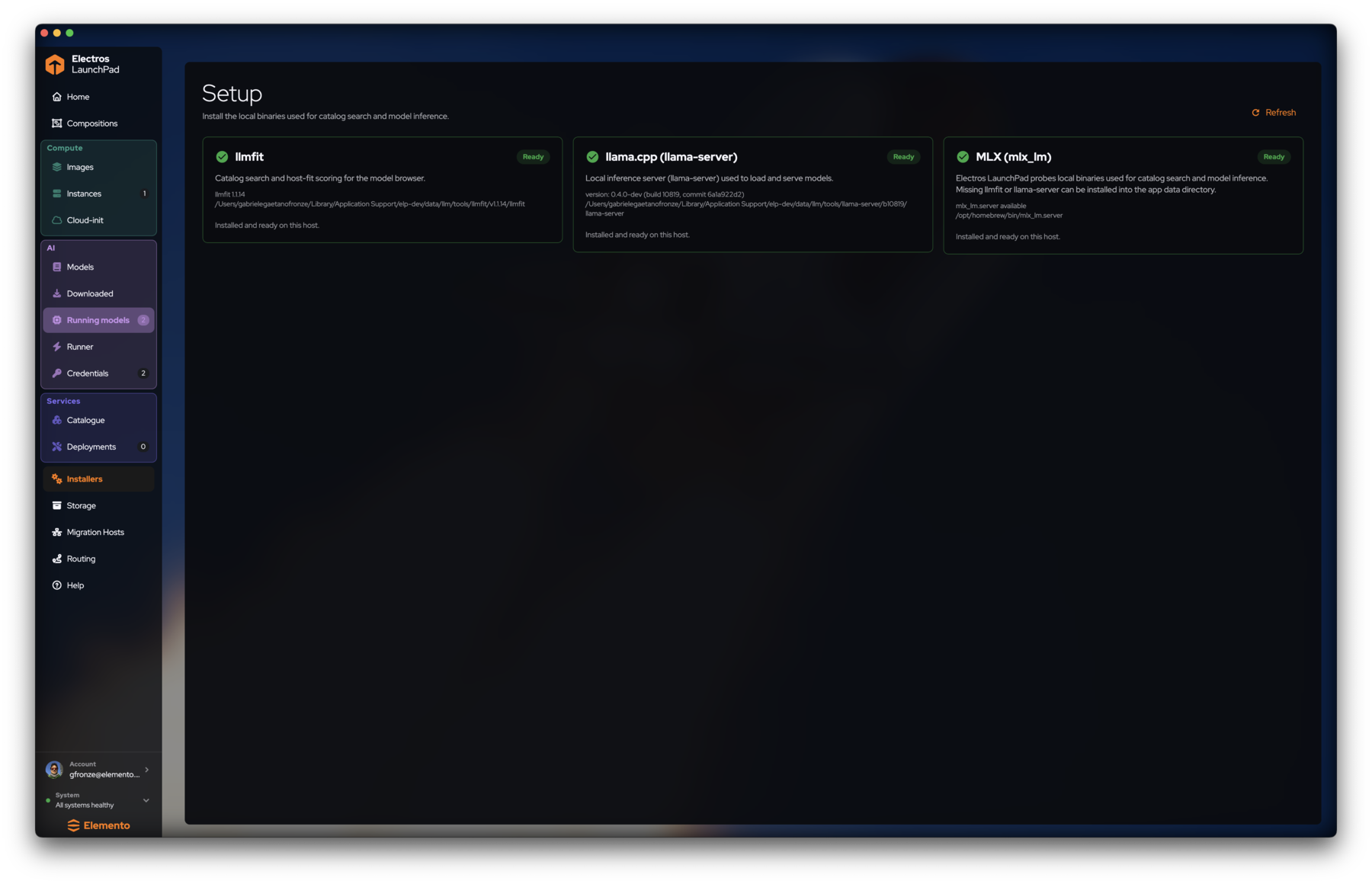
Installers (Setup) verifies local binaries used for catalog search and inference.
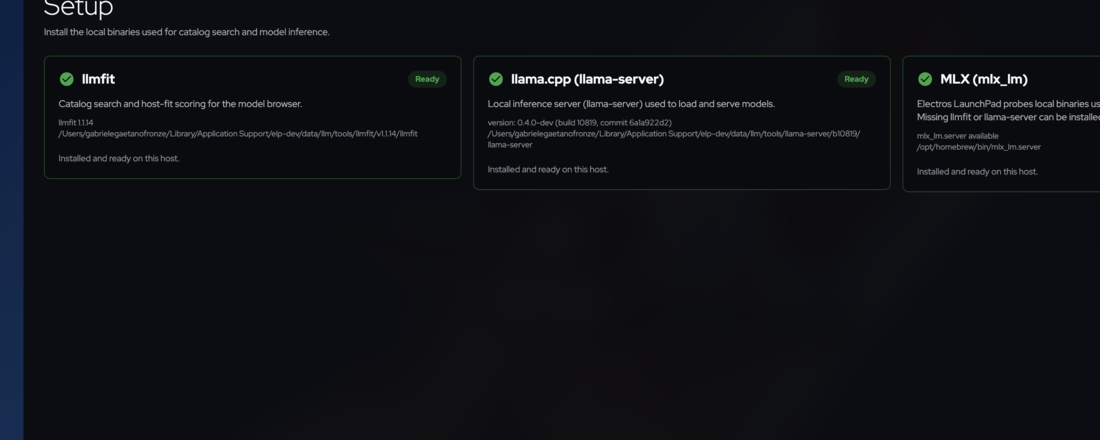
| Tool | Purpose |
|---|---|
| llmfit | Catalog search and host-fit scoring |
| llama.cpp (llama-server) | Local inference server for loaded models |
| MLX (mlx_lm) | Apple Silicon MLX server when available |
Storage
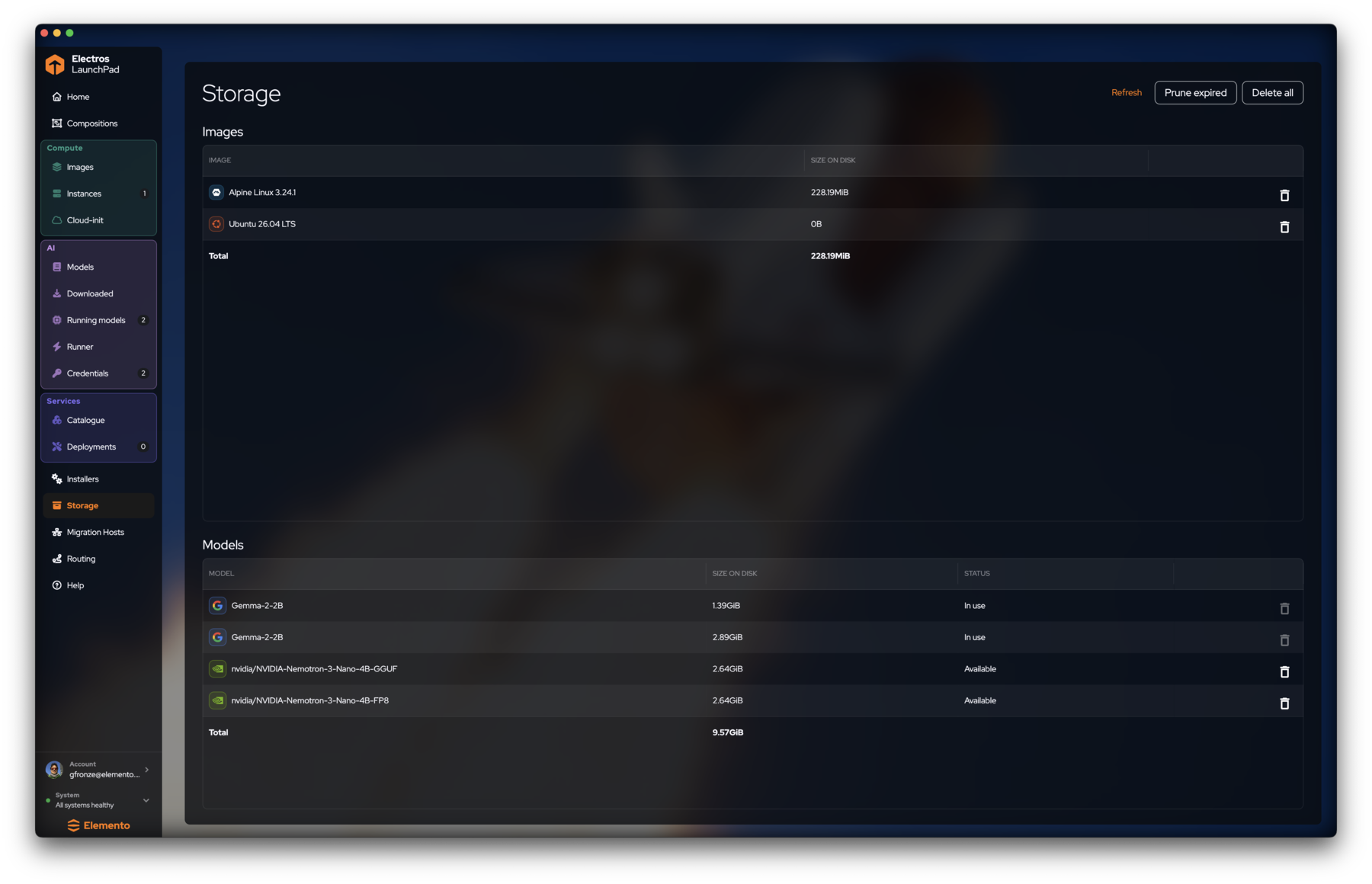
Storage shows what LaunchPad has cached:
- Images — OS images and size on disk
- Models — model artifacts with status In use or Available
Migration Hosts
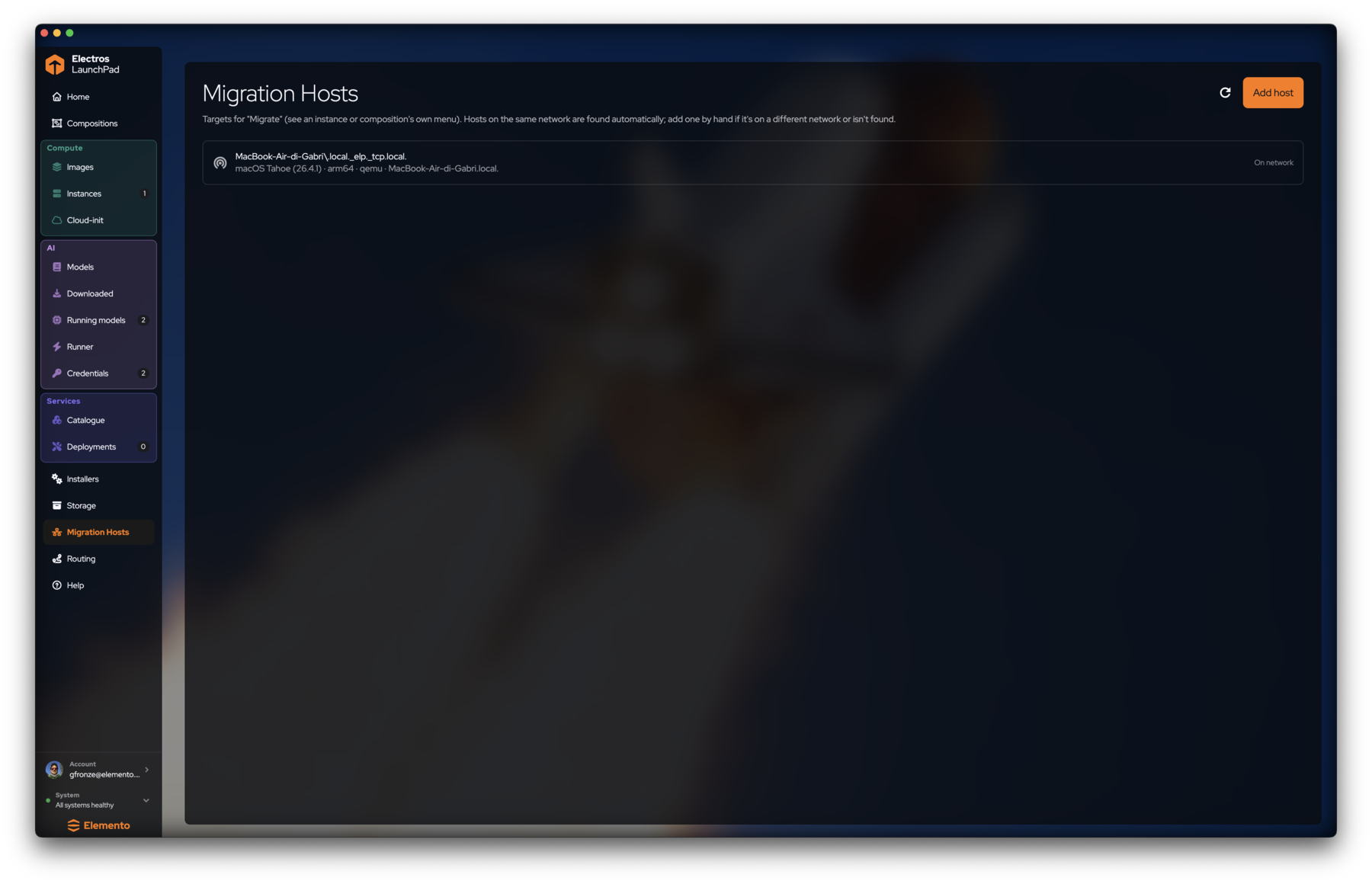
Targets for Migrate (from an instance or composition menu):
- Hosts on the same network appear automatically (On network).
- Add host for a machine on another network or one that discovery missed.
- Refresh re-scans.
Use this when you want to move a VM or composition to another LaunchPad host without recreating from scratch.
Routing
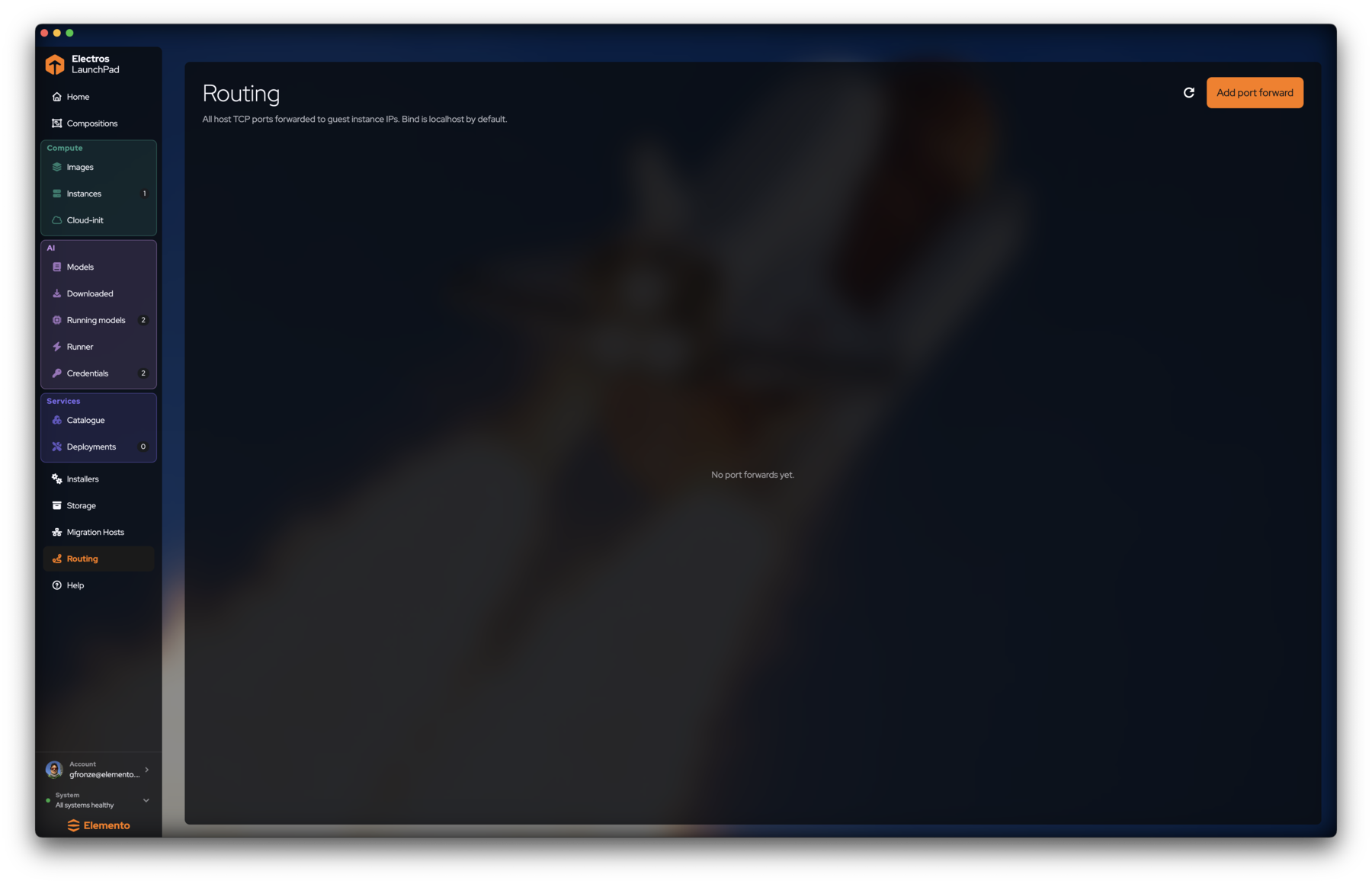
Routing lists host TCP ports forwarded to guest instance IPs. Bind is localhost by default.
- Click Add port forward.
- Choose host port, guest IP / port, and bind address.
- Refresh after changes outside the UI.
Use forwards when a service inside a VM should be reachable as localhost:PORT on the Mac (or another bind you choose).
Help

Help → View documentation opens the published docs (this site). Prefer the in-app link when you are already troubleshooting in the GUI.
Next
- Settings — startup, Multipass visibility, appearance
- Getting started — back to Home